Experience IPTV in the best quality with TiviMate – Fast, Stable & Professional!
Enjoy effortless TV viewing with TiviMate IPTV Player
Stream your world with BOB Player
TiviMate is one of the most popular IPTV players for Android and Fire TV.
With a modern interface, electronic program guide (EPG), and stable playback, TiviMate offers a powerful and user-friendly IPTV experience – perfect for managing your IPTV playlists.
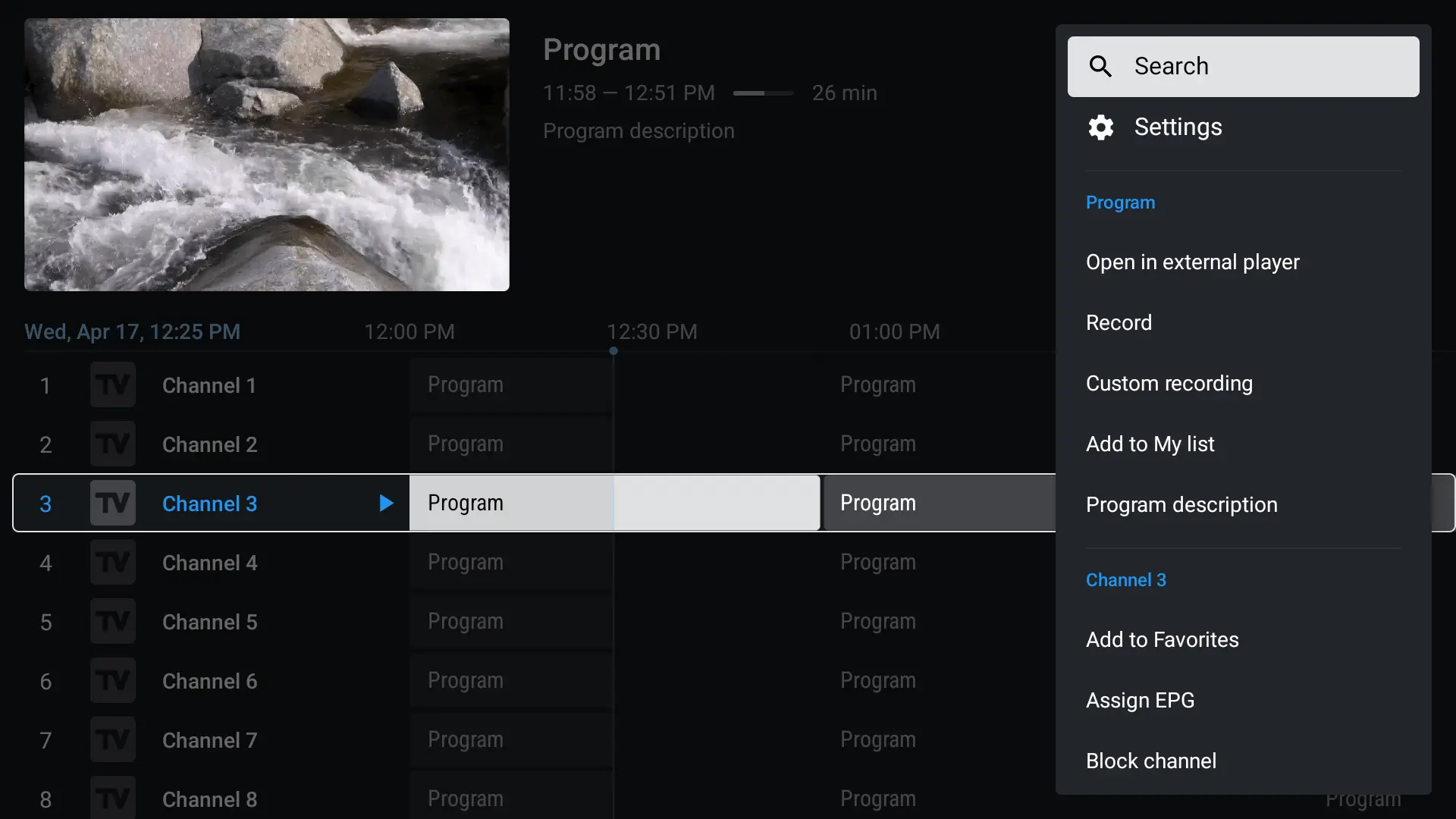
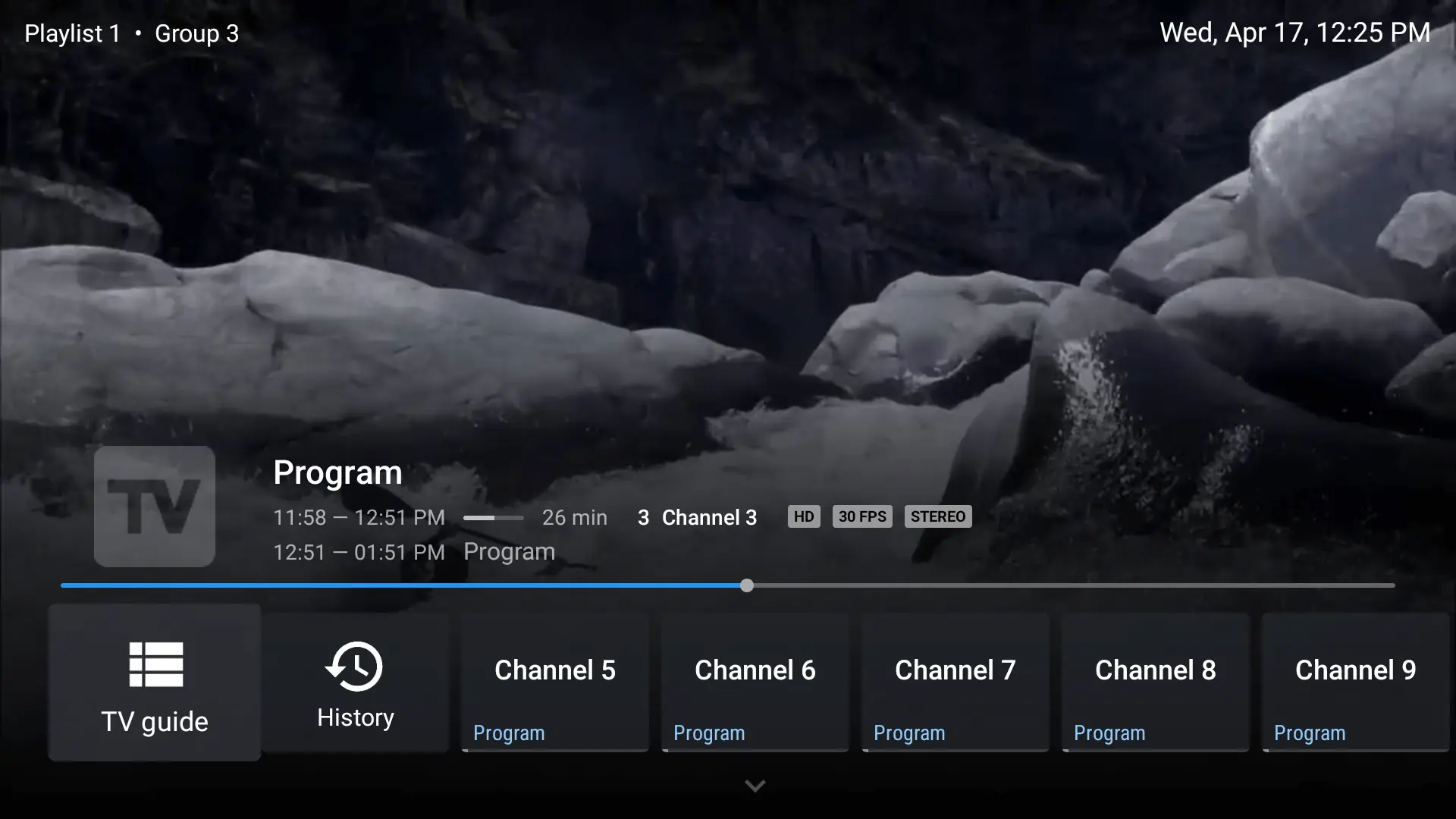
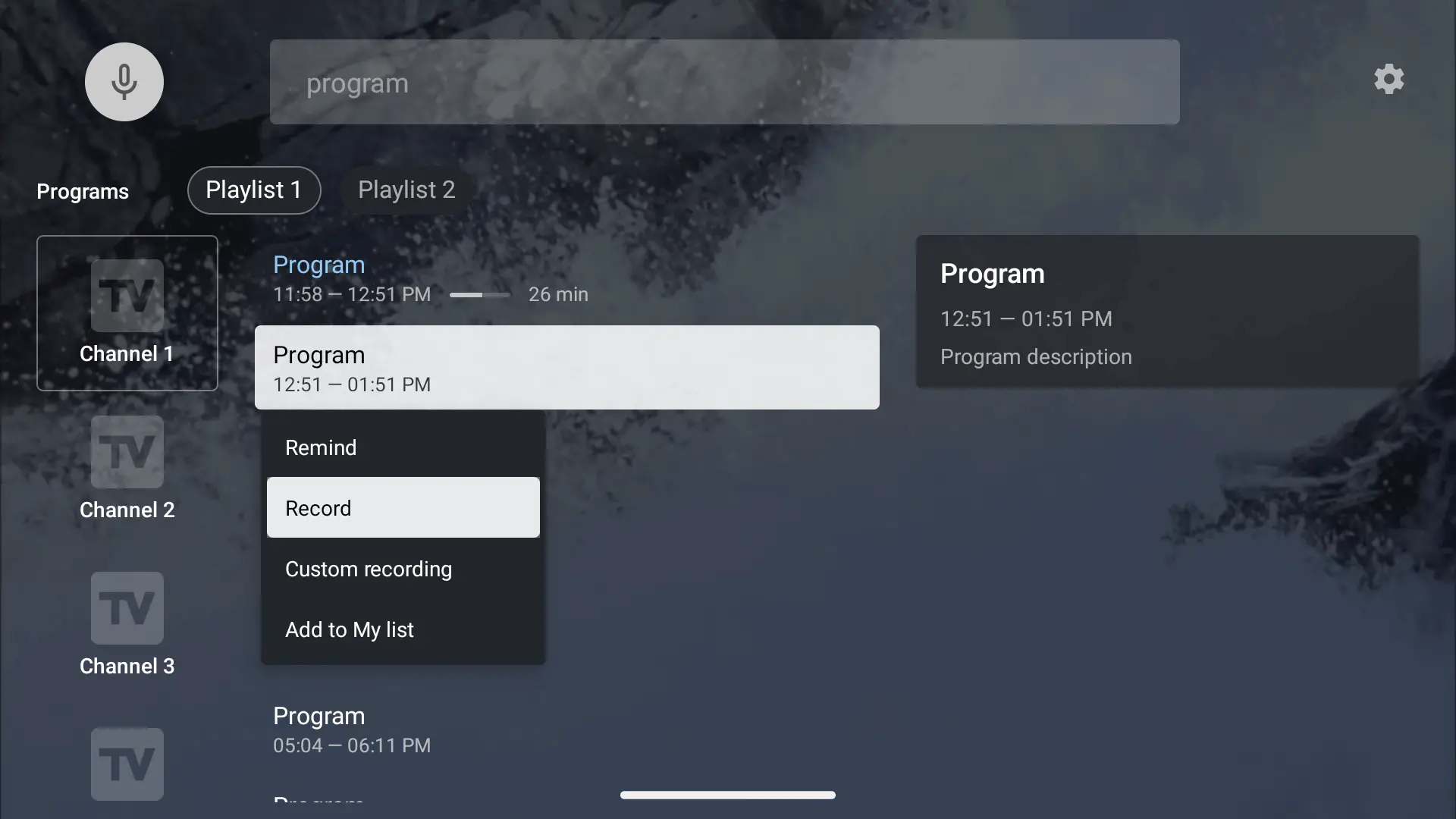
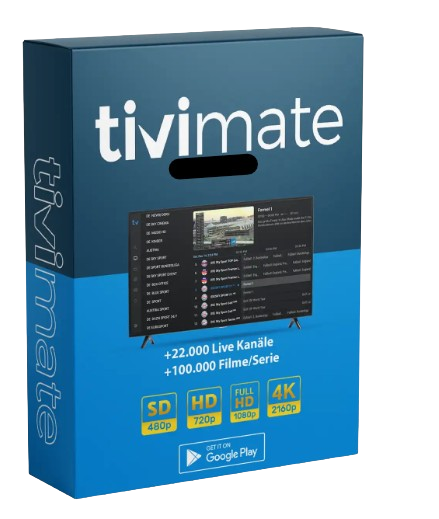
Download TiviMate Premium APK
- Supports Android, Fire TV, Smart TVs & more
- Optimized for highest streaming quality
- EPG, Timeshift, Favorites & extended functions
- Use TiviMate now – No risk, just try it!
Downloader code is 272483.
Choose your BOB Player subscription and experience IPTV in the highest quality!
TiviMate IPTV Playlist – Buy now
FAQ – Frequently Asked Questions about TiviMate IPTV
What is TiviMate?
TiviMate is a modern IPTV player for Android devices and Fire TV that allows you to stream IPTV using M3U or Xtream playlists. It features a user-friendly interface, electronic program guide (EPG), favorites management, and support for multiple playlists—perfect for customizing and enhancing your IPTV experience.
Which payment methods are accepted?
Currently, the accepted payment method is PayPal. It’s fast, secure, and allows you to pay with your PayPal balance, credit card, or linked bank account.
Can I use two devices simultaneously with one subscription?
No — each device requires its own activation. A single HotPlayer subscription is device-specific and cannot be shared or transferred across multiple devices.
How much bandwidth does IPTV require with TiviMate?
For smooth IPTV streaming with TiviMate, you should have:
- SD quality: at least 5 Mbps
- HD quality: minimum 10 Mbps
- Full HD / 4K: recommended 25 Mbps or higher
Which devices are supported by TiviMate?
TiviMate is compatible with a wide range of Android-based devices, including:
- Android TV Boxes (e.g. Nvidia Shield, Xiaomi Mi Box)
- Amazon Fire TV & Fire TV Stick
- Smart TVs with Android TV
- Android smartphones & tablets
❗️Note: TiviMate is not available for iOS (iPhone/iPad) or non-Android Smart TVs like LG (webOS) or Samsung (Tizen).
Do I need a satellite dish for IPTV?
No — with IPTV, you don’t need a satellite dish. All content is streamed over the internet, so a stable broadband connection and a compatible device are all you need to start watching live TV, movies, and series.
How long does it take to activate TiviMate IPTV?
Activation is usually instant. Once you’ve completed your payment and entered your activation code in the app, your IPTV service is typically ready to use within a few minutes. In rare cases, it may take up to 15–30 minutes.